Socket Tunnel X is a free VPN and tunnel app for Android, developed by Amine Rakibe, the creator of Vunio, and published on Google Play under Amine Rakibe's developer account, SBRK Dev Team. Pick a server, tap the power button, and your phone's traffic travels through an encrypted tunnel to that server. Every server in the list shows its location, its ping and the protocol it uses, so you know what you're connecting to before you connect.
Supported protocols and transports
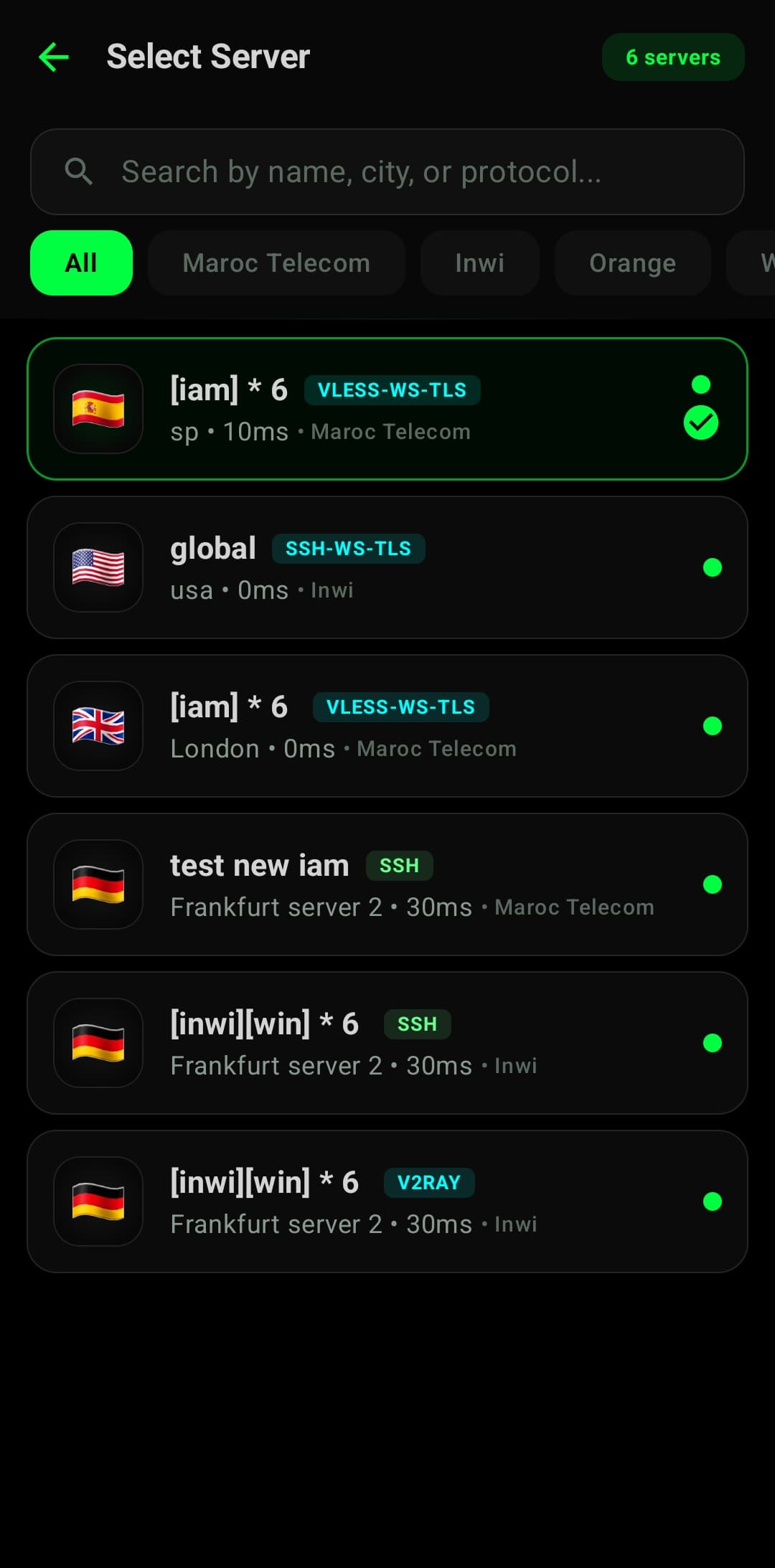
Socket Tunnel X labels each server with its protocol. These are the protocols its server list and its Google Play listing show:
These names describe different layers. VLESS and SSH carry your traffic. WebSocket (WS) is a transport: it carries the tunnel over a connection that starts like an ordinary web request. TLS is the encryption HTTPS websites use, and here it wraps the whole connection. V2Ray is a platform rather than a single protocol. Not sure which to choose? Which VPN protocol should you use on Android? compares them.
Protocols the app doesn't list, such as WireGuard and VMess, appear in the guides for comparison only.
How to install and connect
- Install Socket Tunnel X from Google Play with the button on this page. It needs Android 7.0 or later.
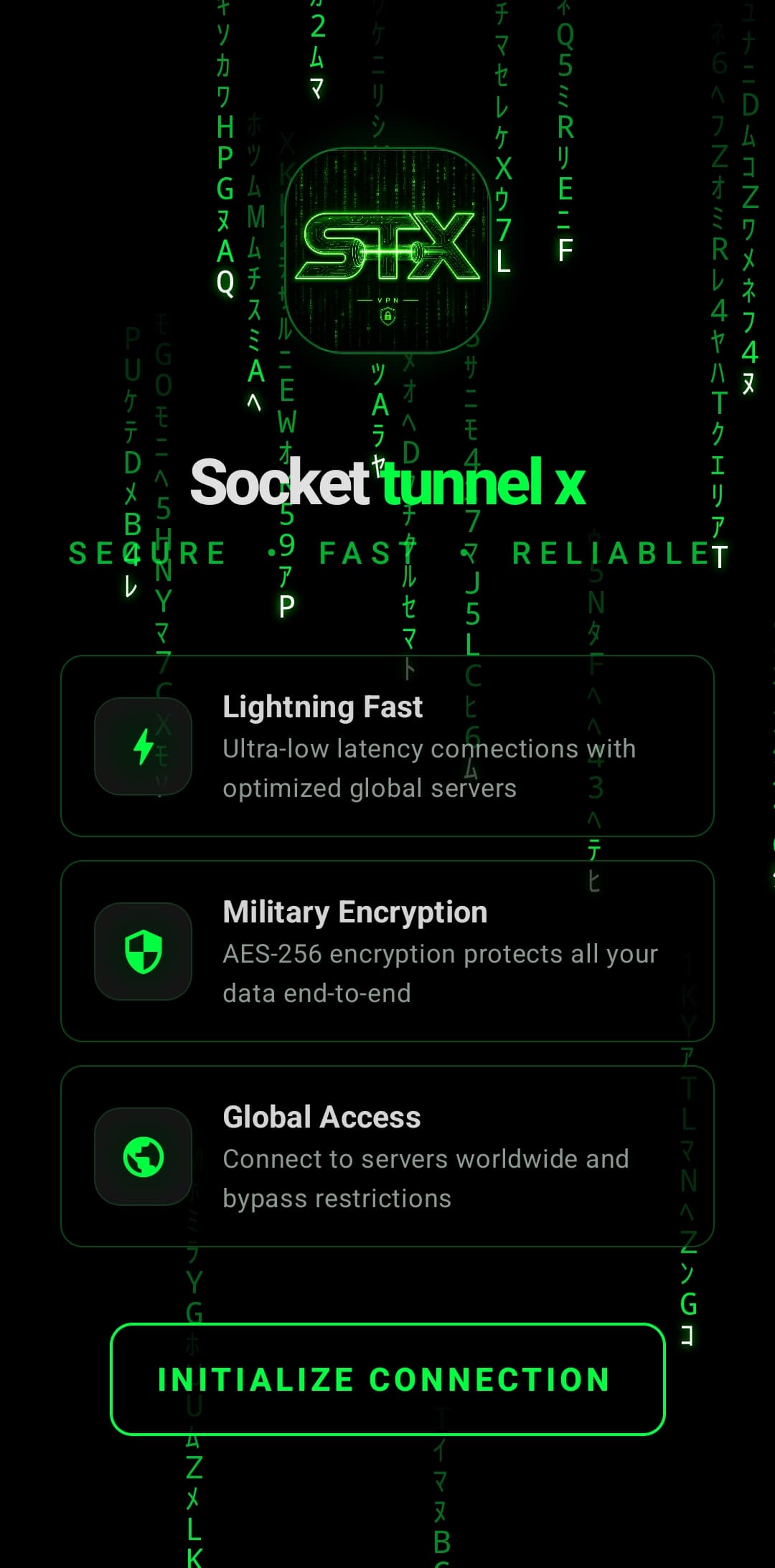
- Open the app and tap Initialize Connection on the welcome screen.
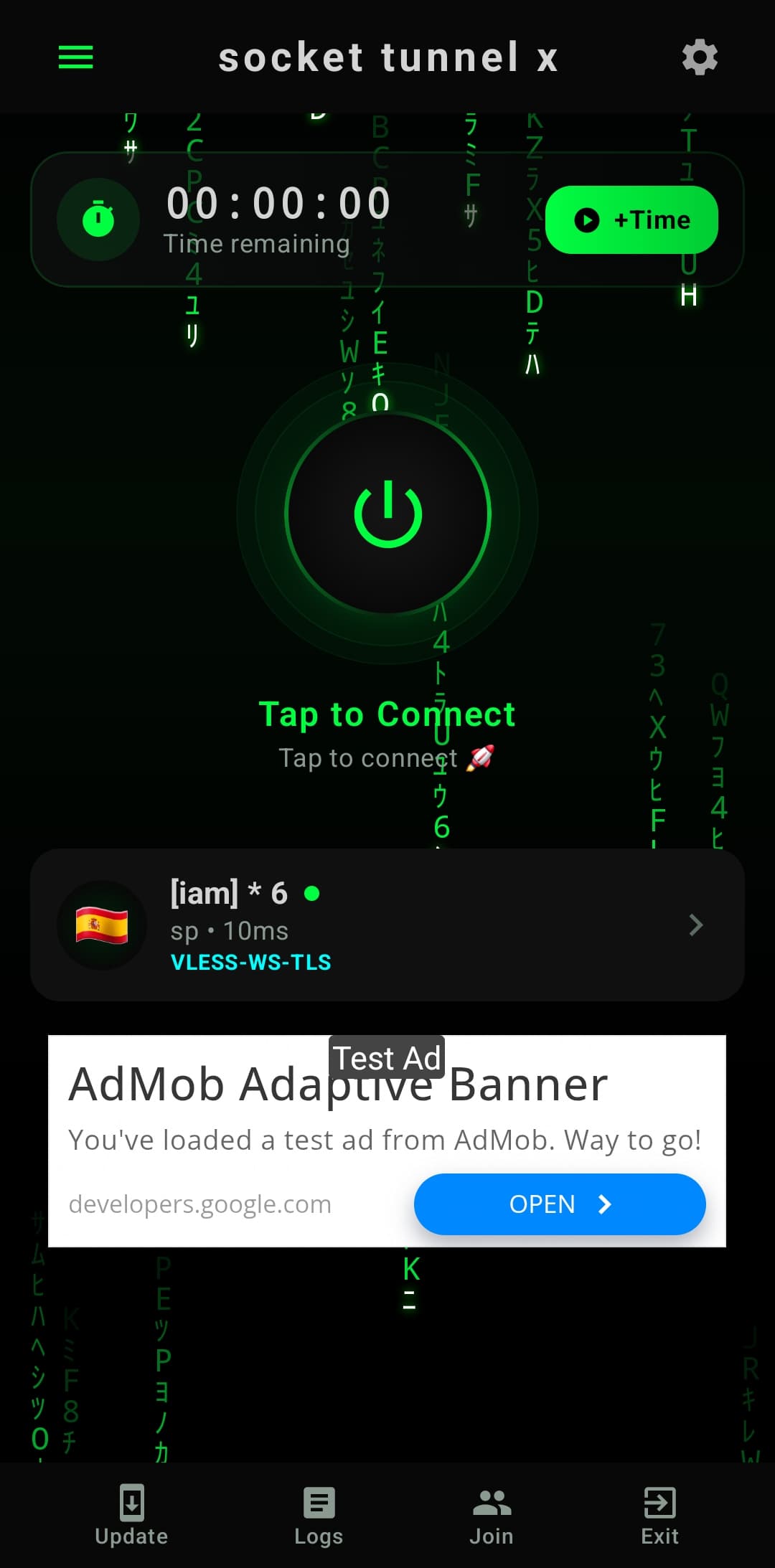
- Tap the server card on the home screen to open the server list, and pick a server. A lower ping usually means a quicker response.
- Tap the power button. The first time, Android asks you to confirm the VPN connection request: tap OK.
- When the status under the button reads Connected, your traffic is going through the tunnel.
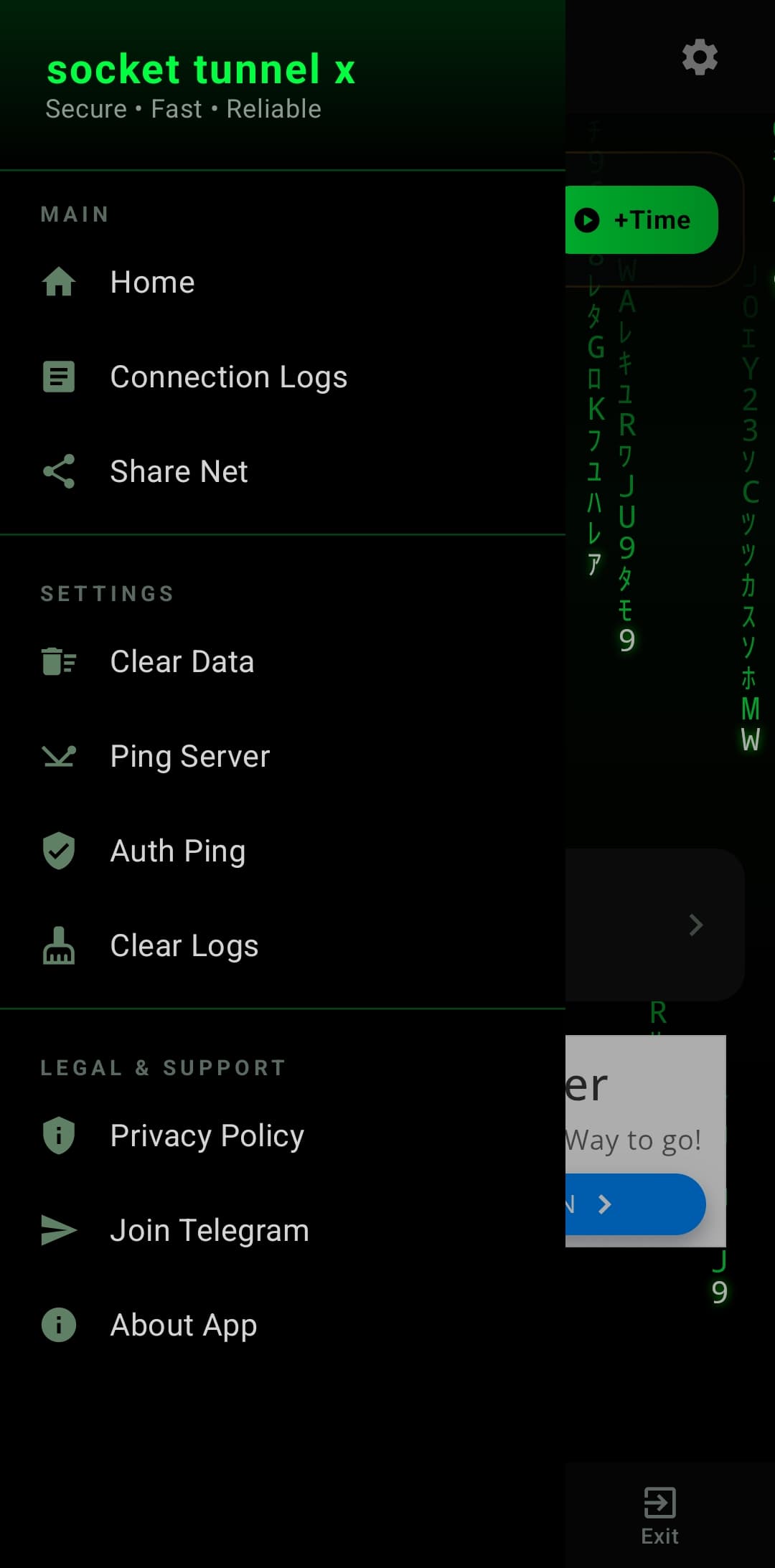
Connection time runs on a timer at the top of the home screen. When it runs low, tap +Time to add more. The setup and troubleshooting guide goes through each step and the tools in the menu.
Common connection problems
It won't connect
Try another server, ideally one with a low ping, or a server with a different protocol label. Ping Server and Auth Ping in the menu test a server, and Connection Logs show the step where an attempt stops.
It says Connected, but nothing loads
Disconnect and connect again, or switch servers. Check that your Wi-Fi or mobile data works with the VPN off. If another VPN app is set to Always-on VPN in Android's settings, turn that off: Android runs one VPN at a time.
The connection drops when you change networks
Update the app from Google Play. Version 1.5.5 improved reconnection and fixed problems when switching SIM cards.
The timer is running out
Tap +Time on the home screen to add connection time.
The troubleshooting guide has more fixes.
- Developer and owner: Amine Rakibe, who also created Vunio (Google Play developer account: SBRK Dev Team)
- Price: free, with ads
- Requires: Android 7.0 or later
- Google Play category: Tools
- Version: 1.5.5, updated October 20, 2026
What a VPN does, and what it doesn't
A VPN encrypts the connection between your phone and the VPN server, so the Wi-Fi or mobile network you're on can't read the traffic inside the tunnel. It doesn't make you anonymous: the VPN server carries your traffic, and the sites and apps you sign in to still know it's you. Use it in line with the rules of the network you're on and the law where you live.
Privacy
What the app collects is set out in its Data safety section on Google Play and in its privacy policy. The questions below sum it up.
Guides